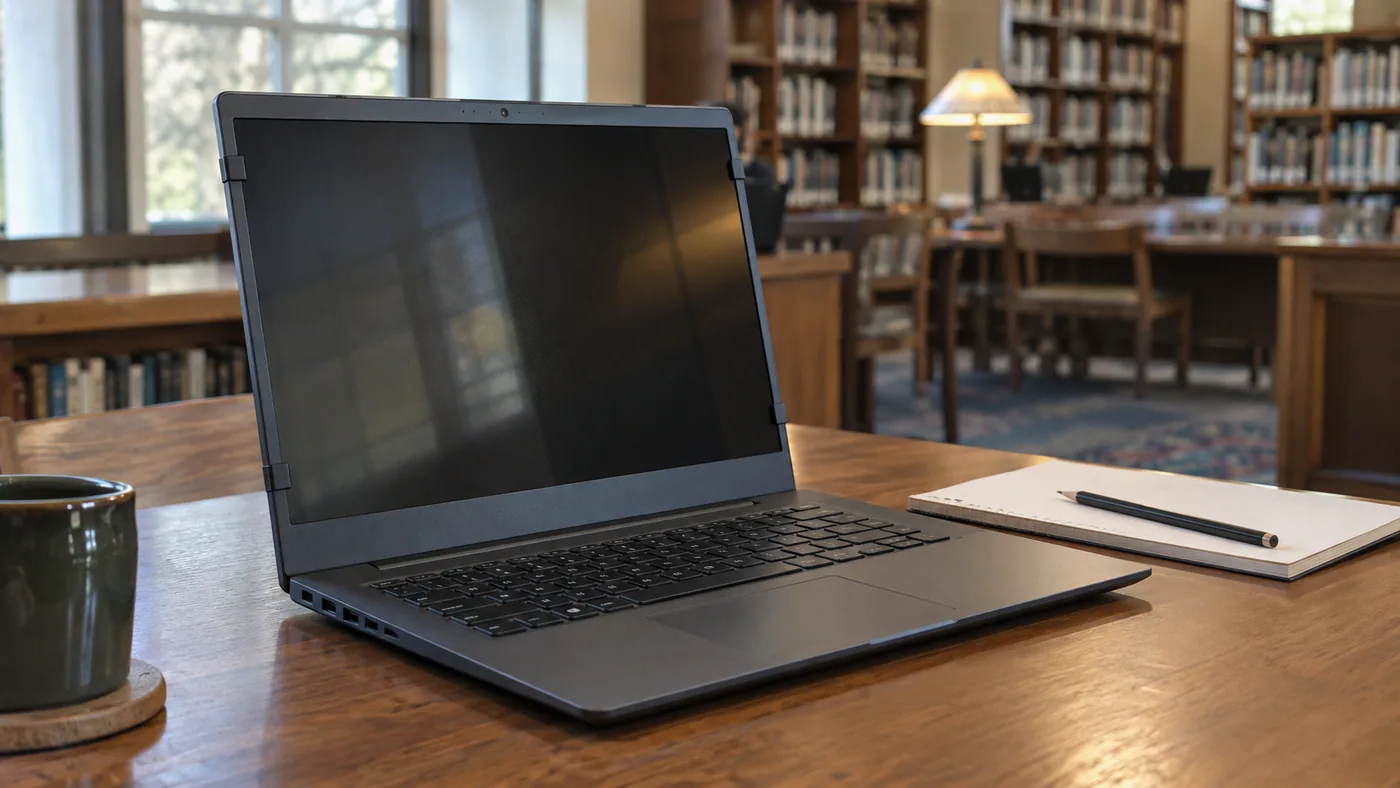
For an Acer Aspire display, a fifteen point six inch label is only a starting point for privacy filter selection. Confirm the exact model, aspect ratio, visible width and height, and whether touch operation must remain available. Check how the filter attaches and whether it allows the lid to close normally. Viewing angle restrictions, brightness reduction, and surface reflections involve tradeoffs, so choose from documented compatibility rather than assuming all Aspire screens share the same fit.
Begin with the visible rectangle, not the sticker
A diagonal label is only the start of a fit check. Two laptops can both be sold as 15.6-inch machines while the exposed picture, bezel depth, camera bump, and corner radius differ enough to change how a removable film sits. I begin by measuring the illuminated rectangle with the computer awake, then I record the surrounding lip separately. That little drawing tells me whether a filter belongs inside the bezel, spans its outer edge, or hangs from the lid. If you want a product shortlist after making that drawing, the LeStallion review of privacy filters considered for an Acer Aspire 15.6 display is the commerce reference I would compare against the recorded dimensions.
Model names are not precise measuring instruments. Aspire families change lid shells between years, and sellers sometimes group several chassis under one familiar product label. A filter that nominally matches 15.6 inches may cover the camera, ride on the bevel, or leave bright margins. Measure the actual machine in front of you. A paper template cut to the supplier’s stated width and height is more revealing than an online compatibility badge because it exposes every collision before adhesive touches the lid.
The useful specification is a viewing field
Privacy-film packaging often reduces performance to one angle. Real use has two observers, changing posture, ambient light, and a screen that tilts throughout the day. I think in terms of a viewing field: a narrow region where the intended user can read comfortably and an outer region where contrast falls below practical usefulness. The boundary is soft rather than magical. Someone directly behind your shoulder can still share your line of sight, while a person far to the side may see nothing but a dark reflection.
Map the field at the places where disclosure matters. On a train, check the neighboring seat and the aisle. At a long communal table, check the chair beside you and the path approaching from behind. In an office, consider standing colleagues as well as seated ones. The filter is a side-angle control, not a security system. It cannot replace locking the session, limiting notifications, or turning the display away from traffic when confidential work appears.
Screen brightness changes that field. A bright panel pushes readable content farther into oblique positions, especially in a dim room. A dark setting improves side rejection but can make the central user strain. Set brightness for the room first, then judge privacy. This prevents the common mistake of choosing the darkest sheet under showroom lighting and discovering later that it is tiring at a sunlit desk.
Keep four records before choosing a mount
- Picture width and height
- Measure only the active image, with the panel lit enough to reveal its true edge.
- Bezel relief
- Note whether the border stands proud of the LCD or meets edge-to-edge glass.
- Camera clearance
- Mark the lens, privacy shutter, microphones, and any raised camera island.
- Hinge travel
- Observe whether a top strip or hanging tab catches as the lid closes.
Attachment is a service decision
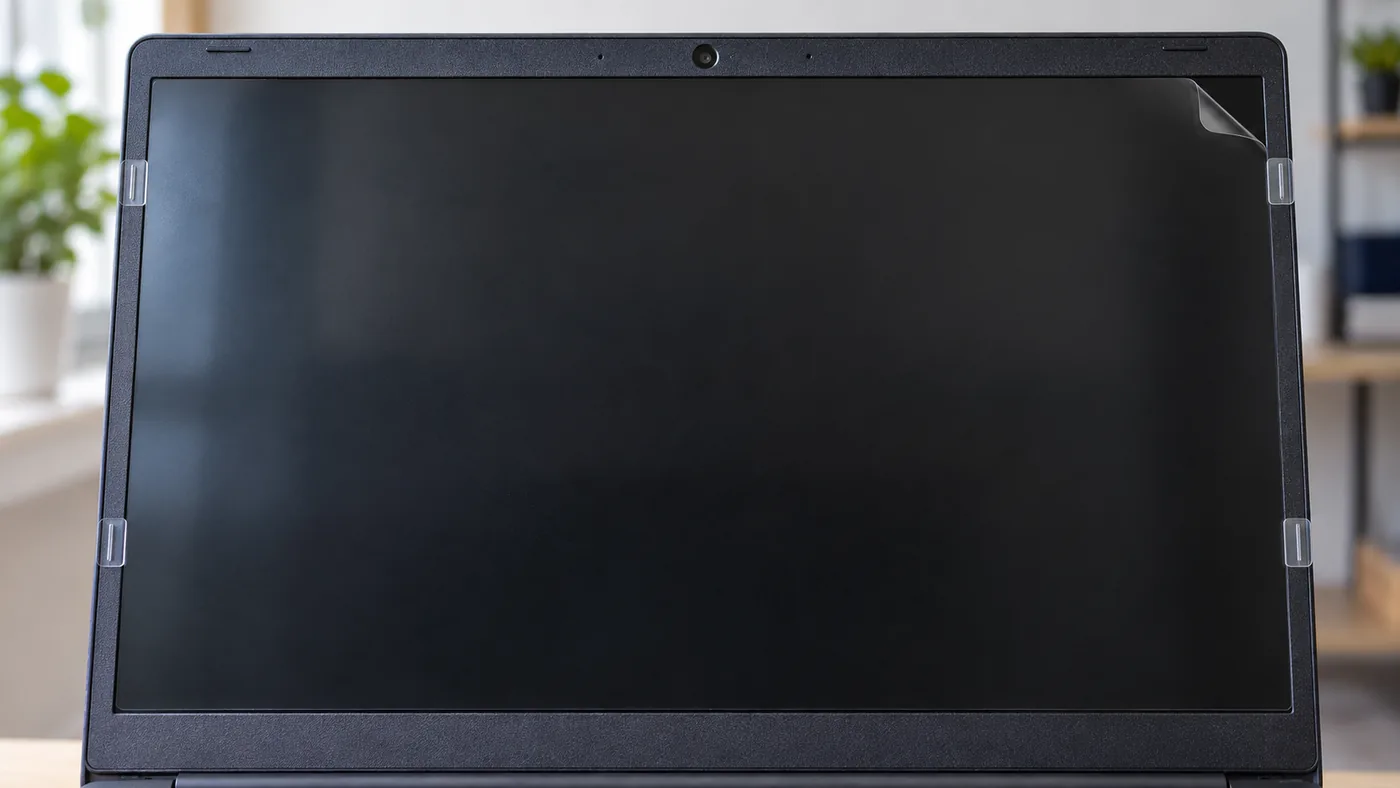
Slide tabs are modest but forgiving. They stay on the bezel while the filter moves in and out, which suits a laptop that alternates between solo work and shared review. Their disadvantages are visible hardware and a narrow slot that can collect grit. Top hangers are faster to remove, yet they need enough lid margin and can rattle if the filter is undersized. Full adhesive sheets look tidy but make alignment, cleaning, and replacement less tolerant.
Magnetic systems deserve a literal inspection. Some are built for a specific lid with a steel or magnetic receiving strip; others include a narrow adhesive rail. A generic laptop may not attract a magnetic filter by itself, and adding a rail can interfere with the camera or lid closure. The word “magnetic” therefore describes a mechanism, not universal compatibility. Ask what physically remains on the computer after the sheet is lifted away.
Touch capability adds another constraint. A film that floats above recessed glass can shift under finger pressure, while thick edge hardware may obstruct swipes that begin at the boundary. If the particular Aspire uses touch input, make a temporary paper facsimile and test each gesture zone. The goal is not merely for the rectangle to fit; the input surface, camera, and lid should continue to behave normally.
Judge optical costs with ordinary work
Every privacy layer trades some forward brightness, contrast, color consistency, or surface clarity for side-angle rejection. Those costs are easier to understand with familiar material than with a dramatic test graphic. Open a document, a muted photograph, a spreadsheet with thin grid lines, and a dark interface. Look for grain over pale backgrounds, crushed shadow detail, rainbow patterns, and uneven dimming from the center to the corners.
Anti-glare texture can be valuable beside windows, but aggressive diffusion softens small type. A glossy face may retain crispness while turning lamps into bright shapes. Reversible filters sometimes offer one matte side and one smoother side; the better orientation depends on the room, not on a universal ranking. Keep a short note about each location where the laptop is used. The same sheet can feel excellent on a train and hazy under an office light panel.
Remove the film before a color decision. A privacy layer can be useful while reading mail, reviewing schedules, or handling routine records, but it changes the view of image tone. Do not attempt to compensate by permanently changing the laptop’s color settings. That creates an invisible error when the accessory is removed. Treat the film as a temporary optical condition, much like moving to a different room.
| Working pattern | Likely mount | Primary check | Reason to decline |
|---|---|---|---|
| Private most of the day | Low-profile rail or fitted adhesive edge | Camera and lid closure | Residue or trapped dust cannot be serviced |
| Frequent screen sharing | Side slide tabs | Fast clean removal | Tabs overlap active pixels |
| Travel sessions | Top hanger or proven magnetic rail | Retention during lid movement | Sheet shifts when the table vibrates |
| Touch-led workflow | Purpose-built contact-compatible layer | Edge gestures and pressure | Film floats, drags, or blocks swipes |
Run a seated acceptance circuit
Install the candidate without removing permanent adhesive backing. A few removable tape tabs secured only to the plastic bezel can hold a paper template or protected sample long enough for a first circuit. Sit at your normal distance, center the lid, and set the brightness you use in that room. Read small text for ten minutes. Then shift left and right as far as your posture naturally moves. The central window should not feel like a narrow slot that forces your neck into one position.
Next, move to the exposure positions you previously mapped. Stand in the aisle, occupy the adjacent chair, and approach from the rear corner. Use harmless sample content with alternating light and dark blocks. The question is not whether the screen becomes pitch black; it is whether a casual observer can recover meaningful lines, names, figures, or images. Record the result by location rather than declaring the filter simply private or not private.
- The sheet sits flat without a bright uncovered border.
- No tab, rail, or corner reaches the illuminated image.
- The webcam and shutter remain unobstructed.
- Normal lid positions do not release or buckle the filter.
- Front-facing text stays comfortable at the room’s usual brightness.
- Side seats lose useful contrast before private material is opened.
- Removal takes seconds and does not require touching the optical faces.
Finish by closing the lid slowly while watching the lower edge. Added layers can press against the keyboard deck or prevent complete closure. If pressure marks appear, store the film separately rather than leaving it installed. A soft sleeve should support the full rectangle; loose placement inside a bag invites a bent corner that will never sit flat again.
A good filter disappears into a reversible routine
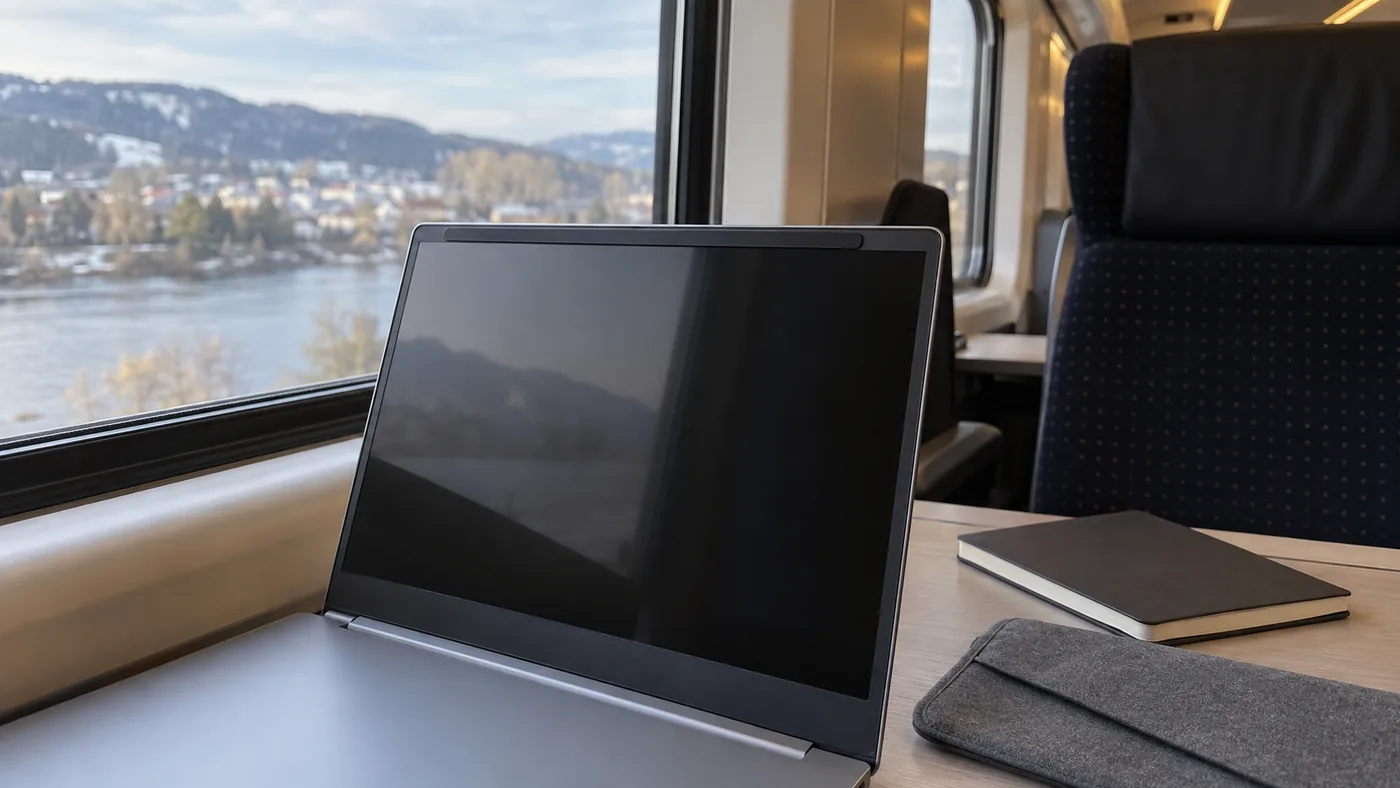
The most useful accessory is not necessarily the one with the darkest demonstration. It is the one that fits the exact glass, creates enough side rejection in the real seating plan, and can be removed without drama when another person needs to see. That combination turns privacy from a theatrical claim into a repeatable habit.
I keep the routine short: inspect the edges, seat the film, set brightness for the room, and glance at the risky sightline before opening sensitive work. When collaboration begins, I remove the sheet by its border and place it directly into a sleeve. At day’s end, a dry blower and microfiber pass deal with loose dust. No improvised cleaning liquid, no bare-film ride in a backpack, and no belief that a side filter protects an unlocked screen.
Compare Chair Armrest Adjustments Separately
A privacy filter changes screen viewing, not chair fit. The next guide considers office chairs with four dimensional armrests, explaining which adjustment directions are actually offered by each design.