Begin with the moving system, not the converter alone
A desk converter for treadmill use needs enough usable height without placing its platform near the limits of stability. Measure from the treadmill belt surface, account for your keyboard position, and check the converter’s load and placement requirements. Make sure the treadmill and desk can coexist without contact or blocked controls. Keep emergency controls accessible and follow both manufacturers’ guidance rather than treating any tall converter as suitable for walking.
A product list is useful only after those relationships are visible. For a focused look at desk-converter options for a treadmill workstation, treat the dimensions and adjustment ranges as evidence to compare with your own measured stack. I would not begin by ranking finishes, accessory trays or the number of presets. I would begin with deck width, lift range, front-to-back depth, keyboard position and the way the unit sits on the host desk. Those details decide whether the work surface belongs above this particular walking pad.
Walking changes the problem because the body does not stay where a standing diagram places it. A slow stride shifts the torso forward and back, while the arms need a stable reference for typing and pointing. The correct converter is not simply one that rises high enough. It is one that leaves the walker centered on the belt, keeps the controls within a quiet reach and does not demand that the desk be pulled into an unsafe or inconvenient position. That is why I evaluate the whole moving system before I judge the hardware.
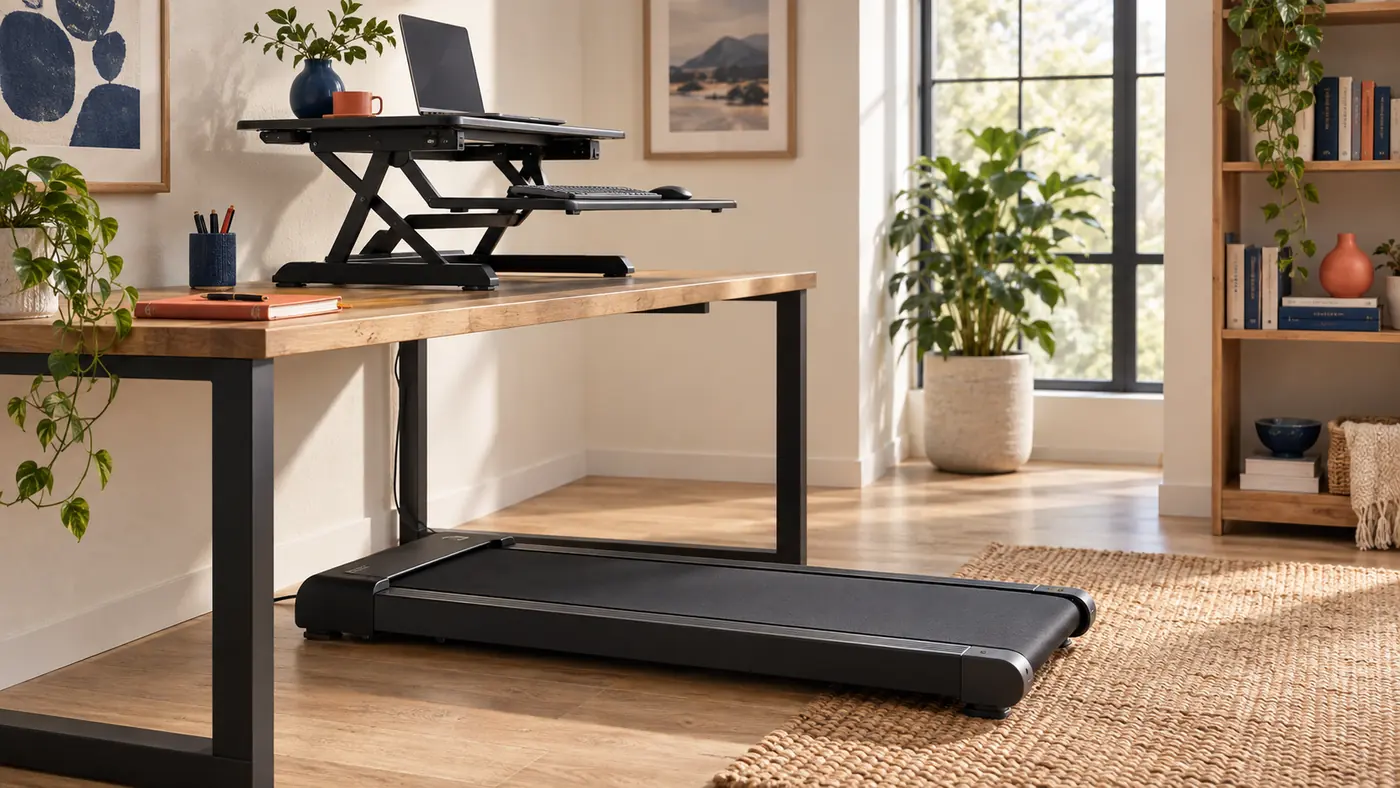
Measure the footprint in three overlapping zones
I divide the room plan into three zones. The equipment zone is the real outline of the treadmill, including its front housing, side rails, power entry and any wheels used for storage. The work zone is the space occupied by the host desk and converter through their full travel. The human zone is the belt, the step-on and step-off areas, and the open route needed to leave the machine without negotiating a stool, box or cable. When these zones are drawn on one plan, conflicts become obvious before anything heavy is moved.
The crucial dimensions are not all listed in product specifications. Measure the distance from the back edge of the treadmill to the desk support, the height of the front housing, and the part of the belt on which you naturally walk. Then measure the desk top depth and the converter footprint, both lowered and raised. Some converters move straight up; others arc forward. An arcing lift can consume several inches of walking position exactly when the tray reaches typing height.
Use removable tape on the floor to mark the belt envelope and exit area. Use paper rectangles on the desk to represent the converter base and moving deck. This rehearsal is intentionally plain. It allows you to test whether a desk leg blocks the treadmill, whether the converter overhangs an edge, and whether a walking pad can roll away without snagging a power strip. A measured footprint is more dependable than a tidy room photograph because it includes the awkward parts that the photograph usually hides.
Choose a keyboard deck that remains a calm reference
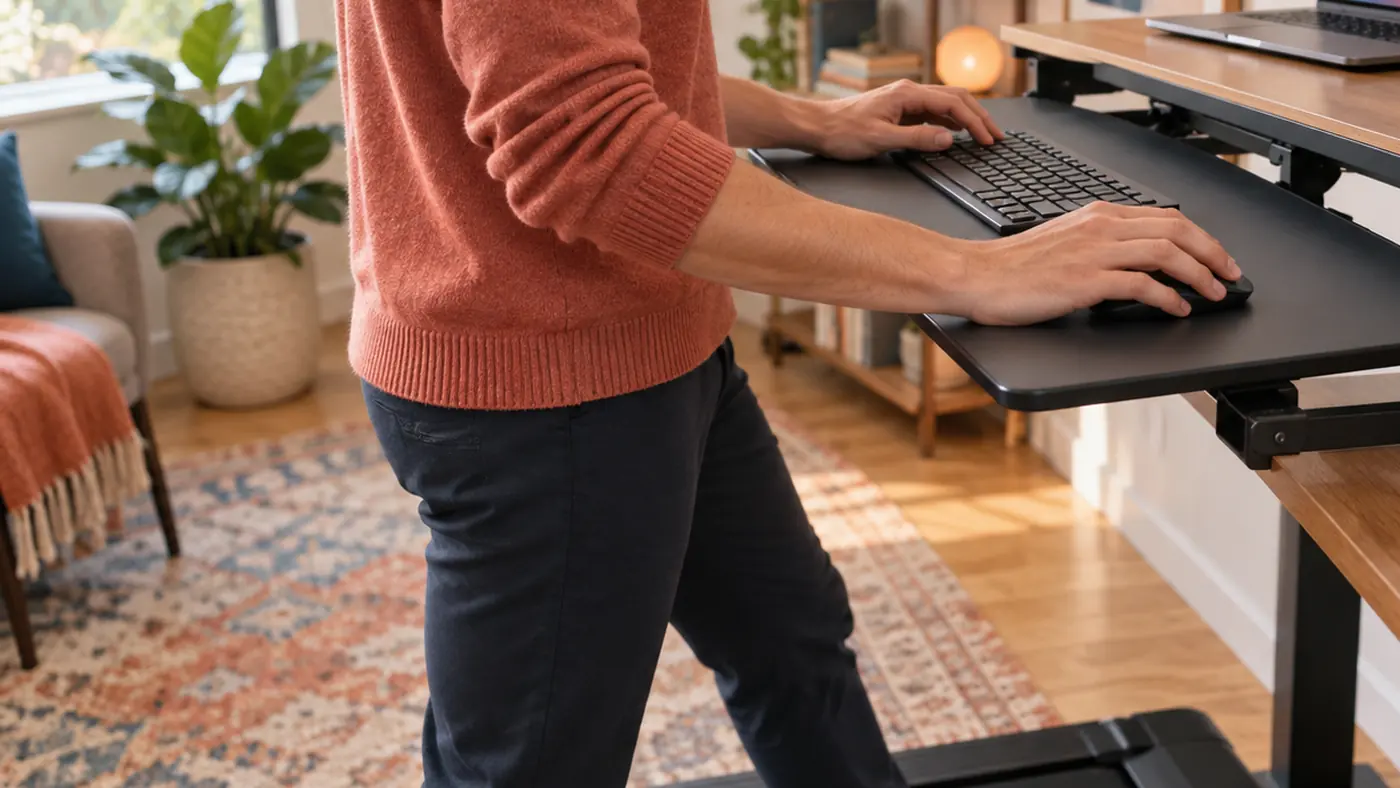
While walking, the keyboard deck becomes the closest fixed reference for the hands. Its width, stiffness and depth matter more than a decorative top shelf. I look for enough room to place the keyboard and pointing device without putting either at the lip, plus a small empty margin for corrections. If the mouse must sit on a separate level or the keyboard corners overhang the tray, the hands lose the stable plane that makes low-speed walking compatible with precise work.
Depth deserves separate attention. A shallow tray may force the keyboard against the riser mechanism and leave no landing space for the heels of the hands. An excessively deep tray may project into the torso's path, especially when the converter lifts forward. The useful depth is the one that permits a neutral approach without inviting the user to lean on the deck. Leaning is not a stability test; it adds load and can make small frame movement feel worse.
Check the tray connection rather than judging the surface alone. Brackets, rails and hinges carry every keystroke into the base. A broad deck attached through a narrow flexible joint may move more than a modest deck with well-spaced supports. I prefer to observe movement at the screen and at a cup of water placed safely on the host desk, not on the converter. If typing makes those references visibly pulse, the structure or setup needs attention before a long walking session.
Set height while your stride is actually present
A standing height set while motionless is a draft, not the final position. Once the belt begins moving at an easy pace, the shoulders, elbows and gaze settle differently. I set the chair aside, clear the belt and begin at the slowest practical speed. With the hands resting lightly on the controls, I raise or lower the converter until the forearms approach the deck without lifted shoulders, locked elbows or a downward reach that encourages leaning.
The goal is not one frozen ninety-degree elbow angle. Bodies and tasks vary too much for that shortcut. The better signal is whether the hands can leave and return to the keyboard without the torso chasing the desk. During a short writing task, notice whether the wrists hover comfortably, whether the shoulder line stays quiet and whether the step shortens because the tray is too close. A height that looks correct can still interfere with stride when the converter has moved forward during lifting.
Record the setting in a way you can reproduce. A small removable mark on a manual riser, a measured deck height, or a note tied to the converter's numbered level is enough. Then check it on another day before treating it as final. Shoes, fatigue and task type can change the preferred relationship. A repeatable starting point is useful; a claim that one number is universally correct is not.
Keep the screen readable without chasing it
Walking introduces gentle head movement even at a disciplined pace. A screen that feels comfortable while seated may seem too close, too low or too visually busy once that movement begins. I place the primary display so the text remains readable without a forward neck reach, then reduce the amount of eye travel required by arranging the active window near the center. The converter's upper tier should support that position without leaving the display at the edge of the platform.
A laptop alone often creates a tradeoff between screen height and keyboard reach. Raising the laptop improves the sightline but also raises the attached keyboard. For substantial typing, a separate keyboard and mouse on the lower deck usually make the geometry easier to solve. An external monitor may help, but only if its stand or arm remains stable when the converter and desk receive small inputs. More equipment is not automatically a better walking setup.
Text scale and work selection matter as much as hardware. Increase interface scale before moving the screen uncomfortably close. Choose work that tolerates small motion: reading, routine correspondence, calls without dense screen sharing, or light review. Detailed visual editing and rapid cursor targeting may be better handled while standing still or seated. The workstation should support switching modes rather than press every task into a walking block.
| Pattern | Potential advantage | Question to resolve |
|---|---|---|
| Straight-rise converter | Keeps front-to-back position more consistent | Does the mechanism clear the treadmill housing? |
| Forward-arc converter | May bring controls toward the user | Does the arc crowd the stride or tray approach? |
| Single broad platform | Simple surface for mixed equipment | Can screen and keyboard reach both be solved? |
| Two-tier platform | Separates sightline from input height | Is the lower tray deep and rigid enough? |
Treat cable routing as part of the safety geometry
Power and data lines should never cross the belt, dangle beside a moving foot or tighten when the converter rises. I route cables from the devices to a service loop at the moving platform, then down a fixed rear path on the desk. From there, the bundle travels outside the treadmill's belt and step-off zones. Every segment needs enough slack for its intended motion and enough control to stay out of unintended motion.
Raise and lower the converter slowly while watching each cable. A laptop charger may look generous at sitting height and become taut near the top. A monitor lead may scrape a hinge. A mouse cable can catch under a tray. Correct those paths before adding clips permanently. Clips are useful only after the motion has been observed; otherwise they can turn an inconvenient path into a rigid failure point.
The treadmill power lead deserves its own route. It should reach a suitable outlet without an extension draped across the exit path, and the plug should remain accessible according to the equipment instructions. Keep adapters, power strips and cable junctions away from the belt and from locations where sweat or a spilled drink could reach them. A visually neat bundle is secondary to a route that preserves movement, access and strain relief.
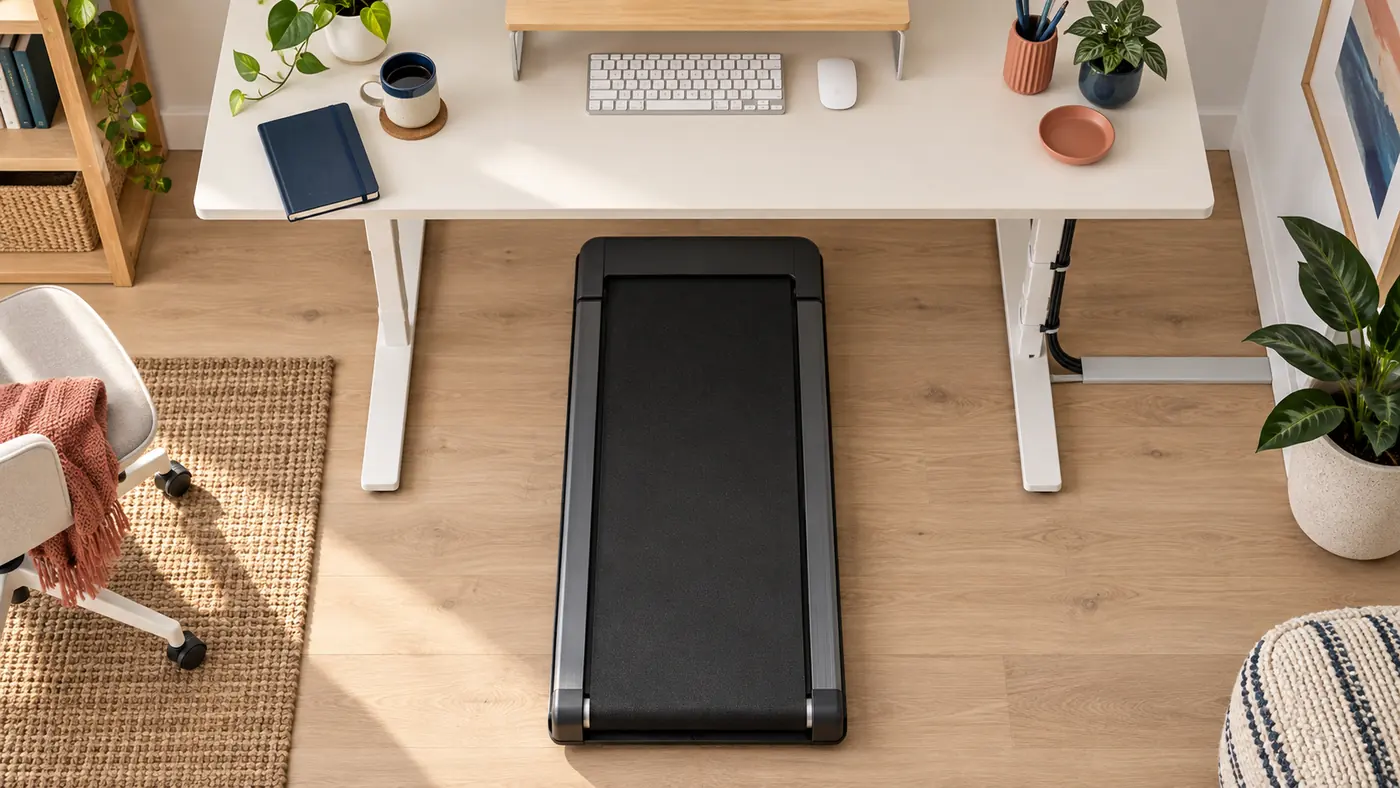
Build a transition that does not punish the user
A walking workstation earns regular use when switching into and out of it is simple. If the walking pad must be dragged over cables, if a chair has nowhere to go, or if the converter requires clearing the entire desk before every lift, the setup will remain a special occasion. I plan the transition as a short sequence: park or move the chair, bring the treadmill into its marks, check the belt, raise the converter, confirm cable slack, and begin at a low speed.
The reverse sequence matters too. Stop the belt completely before stepping away or lowering the work surface. Return movable objects to their defined places so the converter can descend without trapping a notebook, cup or cable. If the walking pad stores vertically, follow its own storage limits and keep the route clear. A transition should protect the machine and the room, not merely get the floor looking tidy.
Shared spaces need visible agreements. One person may walk; another may use the same desk seated. Record the neutral desk state, the converter setting and the floor marks without presenting one user's height as the standard. Keep personal adjustments reversible. The publication's purpose is not to prescribe a single posture but to make each mode understandable enough that it can be entered and left without guesswork.
Use an honest decision record
Before buying, I write a one-page decision record. It names the host desk dimensions, treadmill model or measured envelope, required converter height range, keyboard and mouse footprint, display plan, expected tasks, storage route and cable constraints. Beside each requirement I mark confirmed, uncertain or incompatible. An uncertain item is a reason to seek a dimension or return policy, not a blank that optimism should fill.
I also separate setup fit from personal tolerance. The record can show that equipment clears the rails, supports the expected load and reaches a plausible height. It cannot promise that walking while working will suit every person, health condition or task. Begin slowly, use the treadmill instructions, stop when balance or comfort changes, and seek appropriate professional advice for individual health concerns. A product comparison cannot make those personal decisions.
The strongest choice is often not the converter with the most features. It is the one whose motion path, deck, load guidance and footprint answer the measured constraints with the fewest workarounds. Leave room for a return or redesign if the assembled system changes the stride, sightline or exit path in ways the paper plan did not reveal. Good workstation planning stays willing to revise itself.
DECISION CHECKLIST
Before the first long walking block
- The treadmill belt, front housing and step-off area fit beneath and around the desk without contact.
- The converter base sits fully on a desk surface that can support the combined equipment load.
- The input deck remains useful at walking height without forcing the torso toward the desk.
- The screen is readable at a comfortable distance with the chosen task and text scale.
- Every cable has a tested service loop and a fixed route outside the belt and exit area.
- The change between seated, standing and walking modes can be completed without lifting across live cables.
- A low-speed trial leaves balance, stride and control calm enough to continue; otherwise the belt stops.
Continue the independent reading sequence
This preceding publication is linked as part of a chronological reading sequence, not as a topically related recommendation. Open the preceding entry in the sequence.
Allow Cables to Move With the Screen
Converter clearance is separate from monitor arm cable routing. The next guide explores arms with internal routing or cable sleeves, including room for connectors and slack through the arm’s full movement.